Demo
Demo tour
The complete flow in propM – from creating properties to letting, tenant and caretaker portals. Sign in yourself with the demo logins.
Demo property manager: Deutsche Hausverwaltung. All data is fictitious and may be changed by other visitors.
- 01
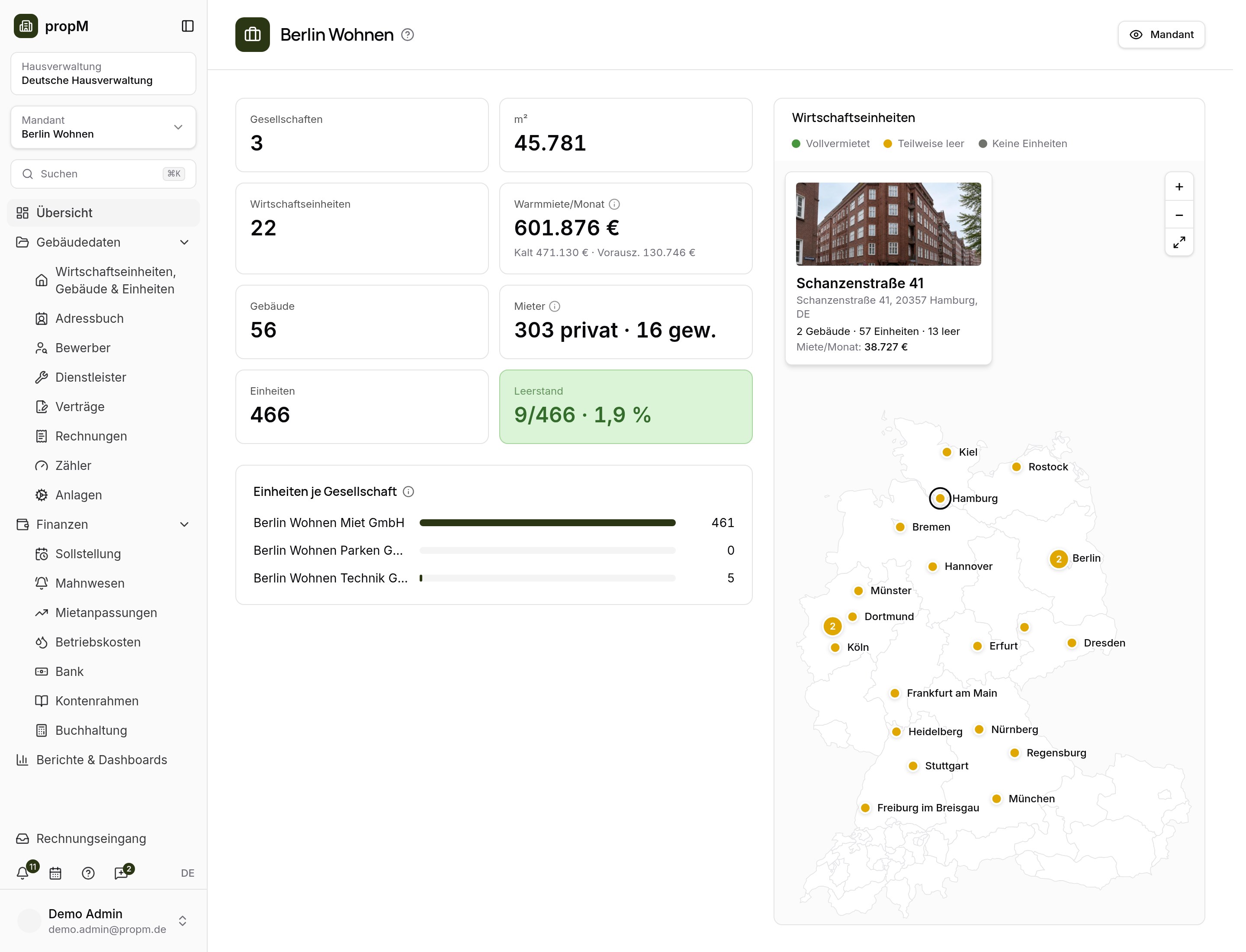
Sign in to the main app
As a property manager you see the client with key figures, vacancy and a map of all properties.
- 02
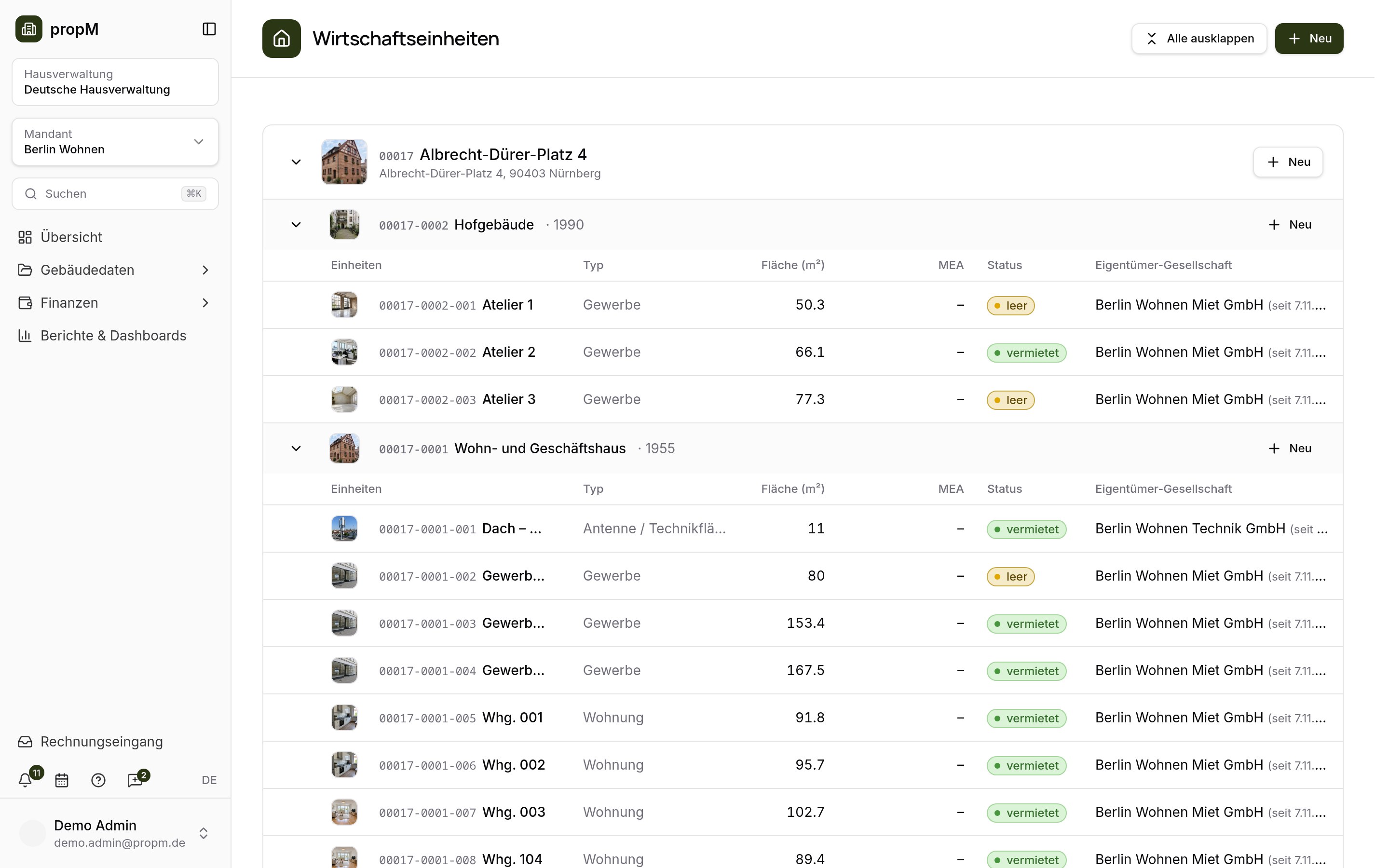
Create properties, buildings and units
Client → property → building → unit: record areas, owners and photos.
- 03
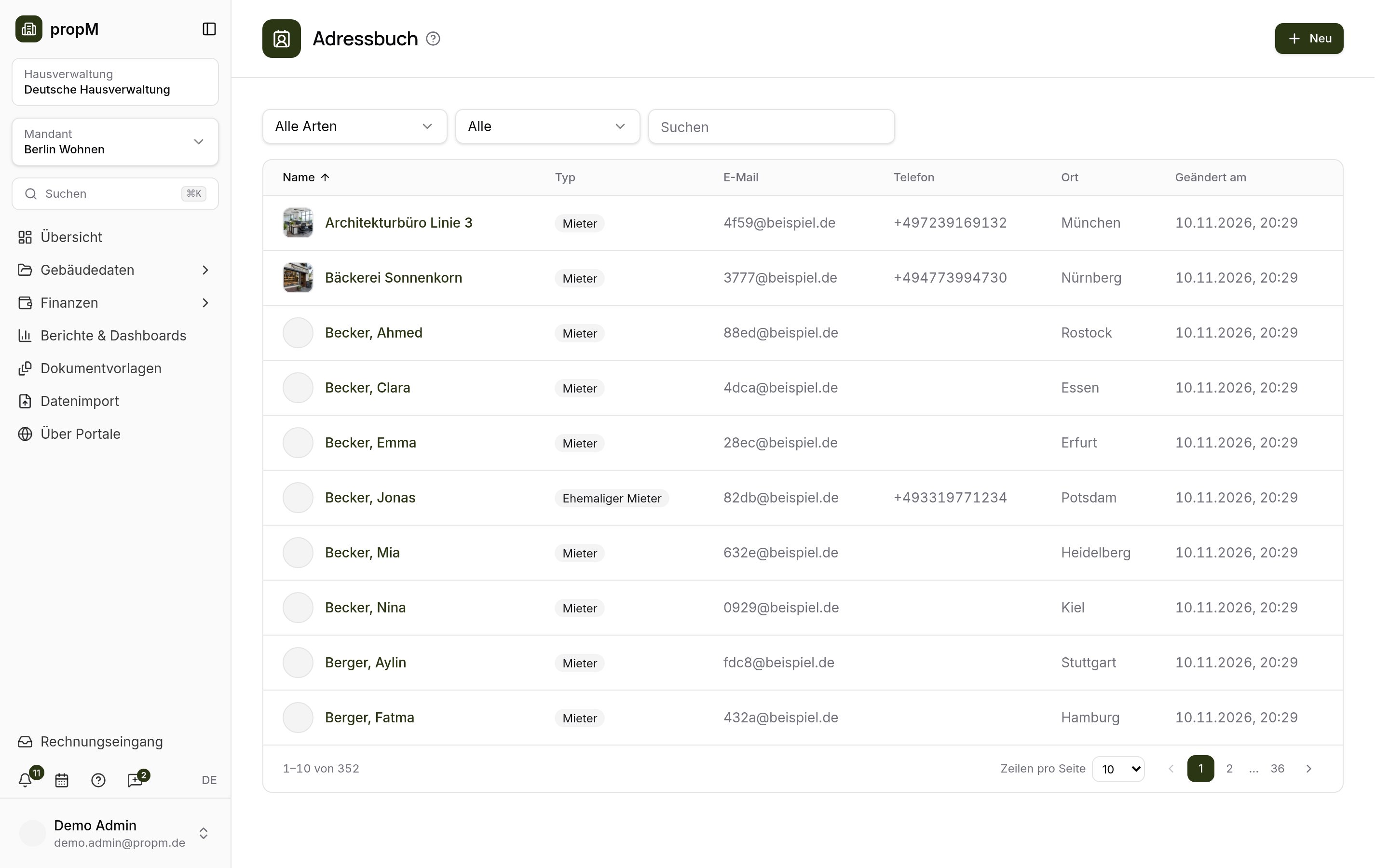
Manage contacts and companies
Tenants, owners, service providers and companies in the address book – with timeline, tasks and events.
- 04
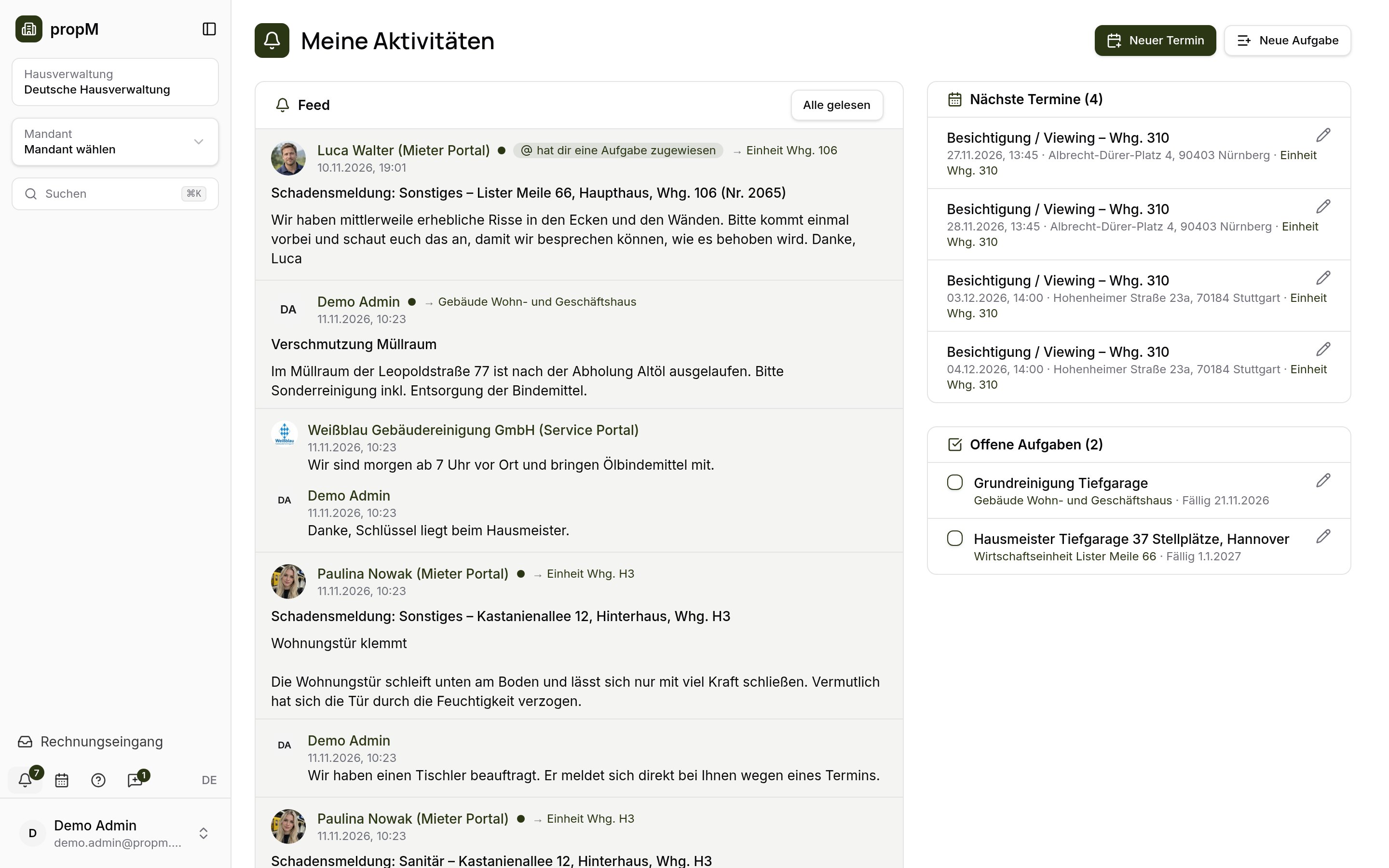
Collaborate in the feed
Posts, comments, tasks and @-mentions on every record – portal requests land here too.
- 05
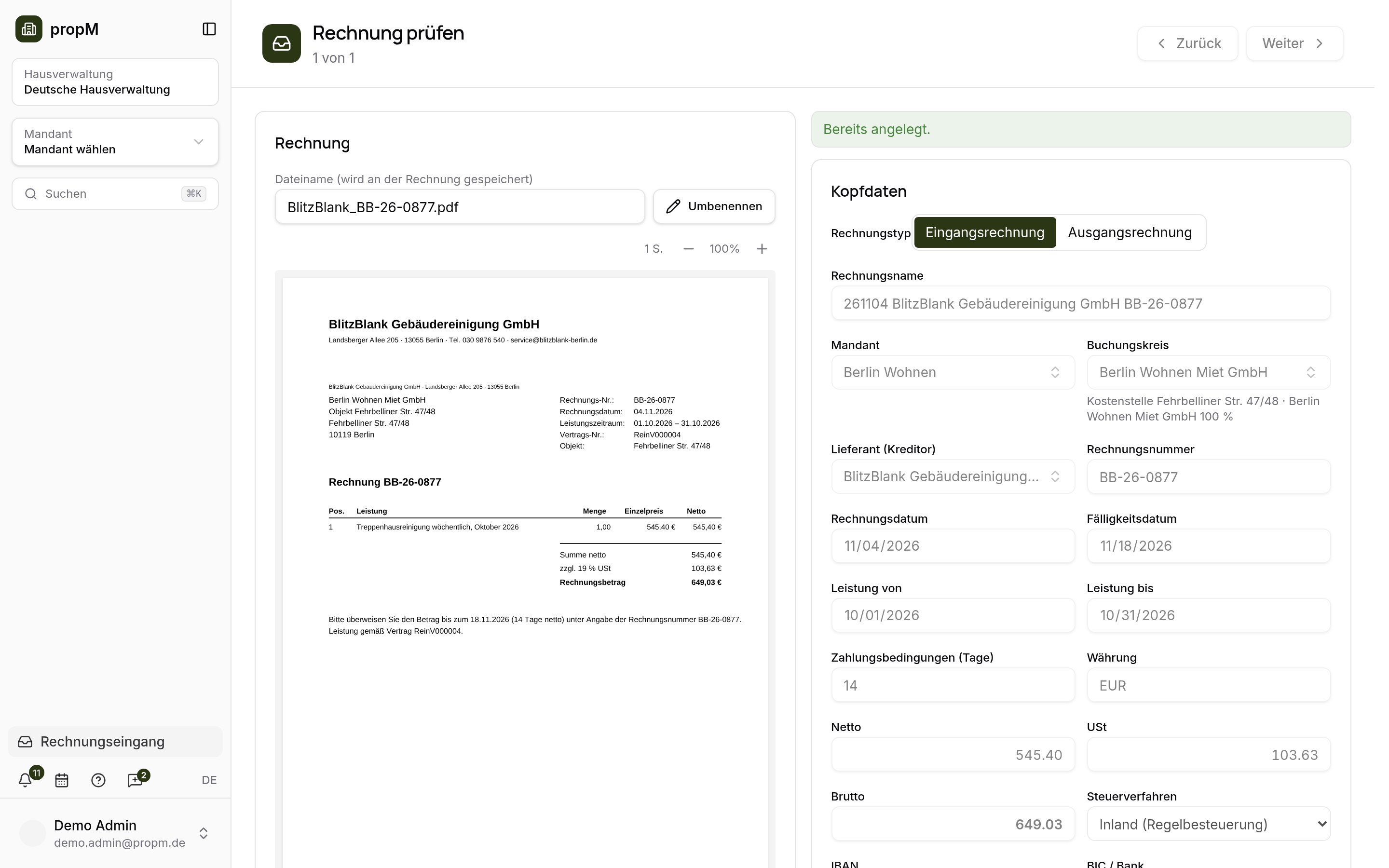
Capture invoices with AI
Drop a PDF into the invoice inbox – AI fills supplier, amounts and period, you review and post.
- 06
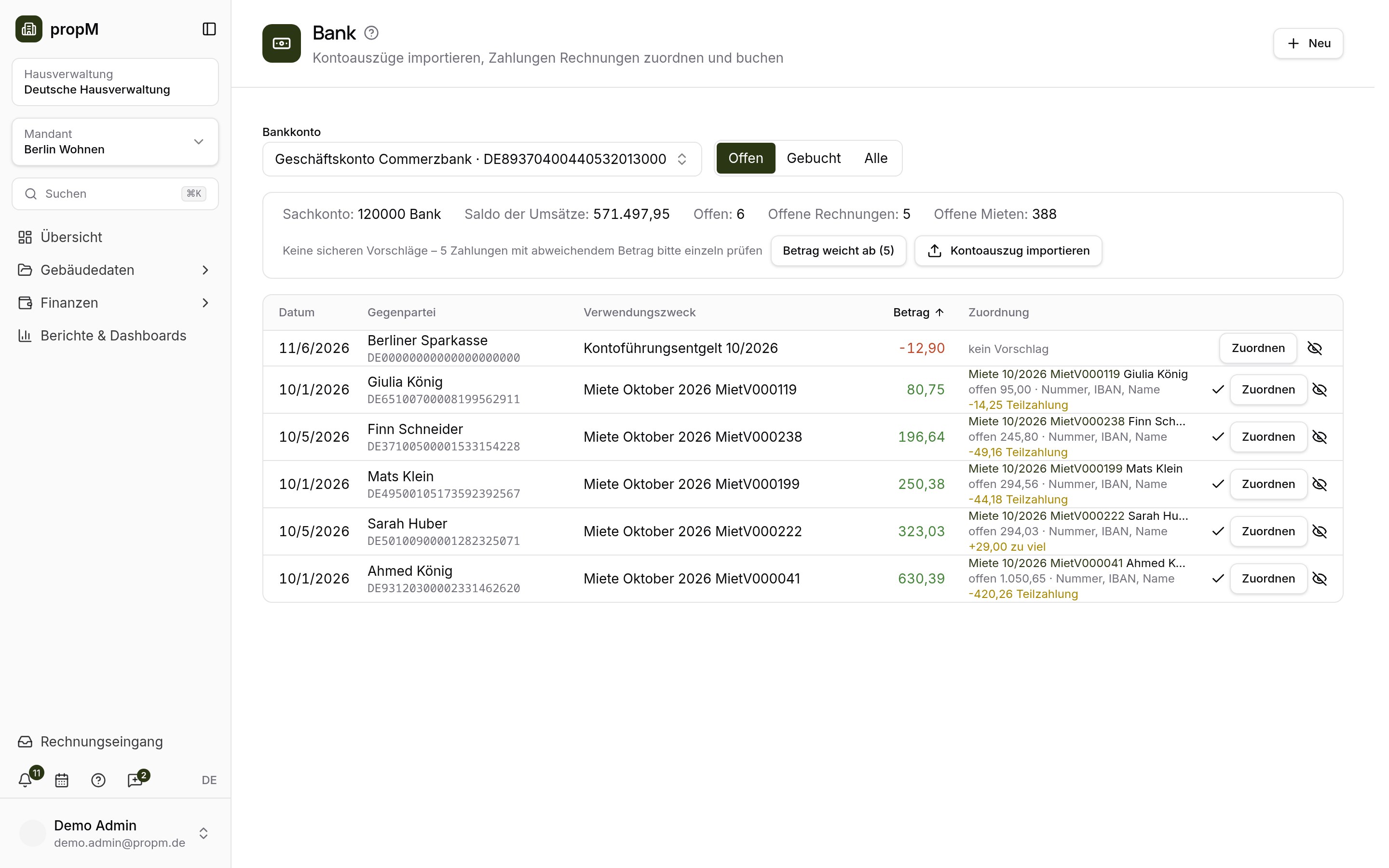
Invoices, bookings and bank
Capture invoices, post rent charges and match bank statements to open items with suggestions.
- 07
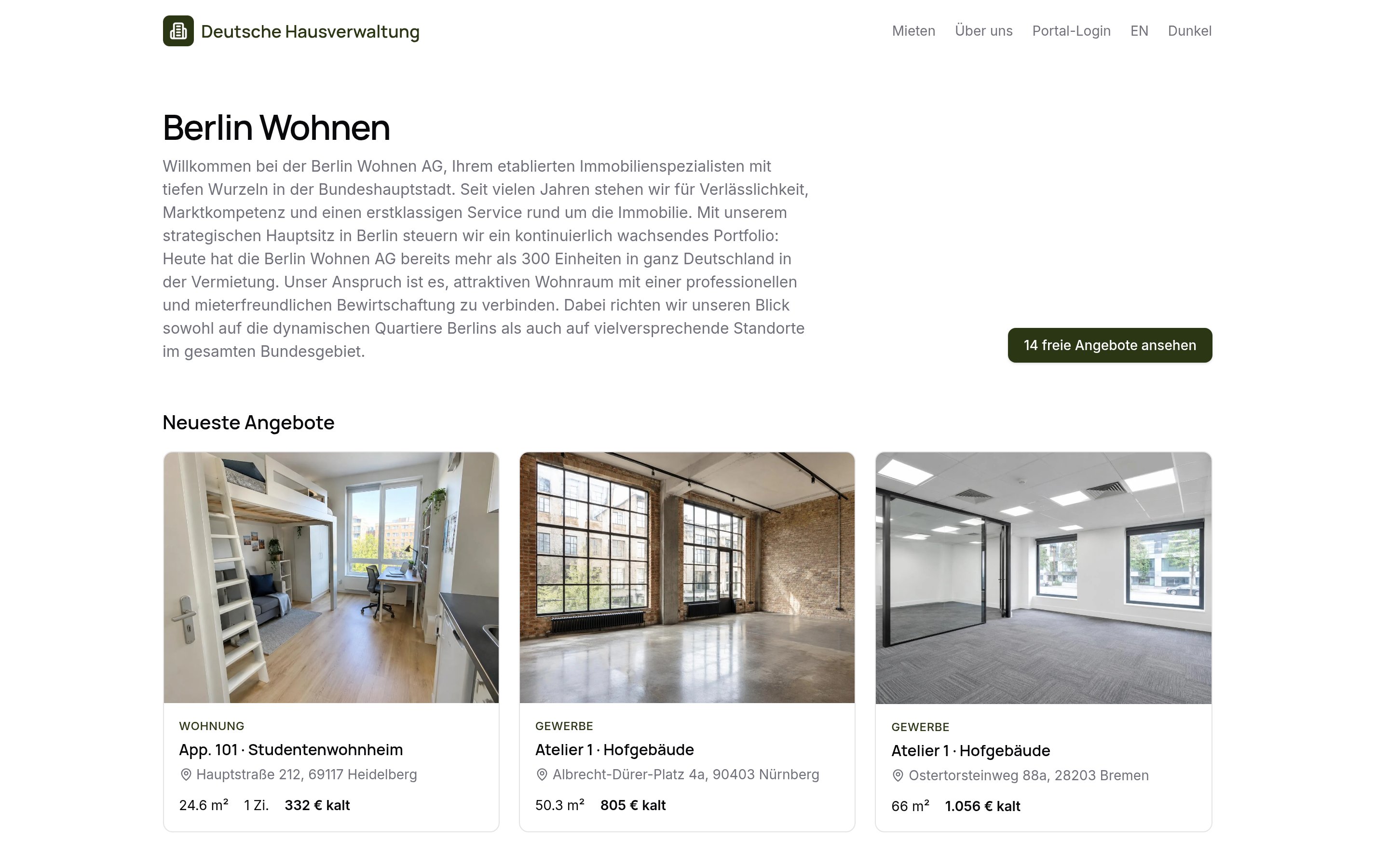
Publish units on the website
Vacant units appear with photos and exposé on the property manager's website – prospects apply online.
- 08
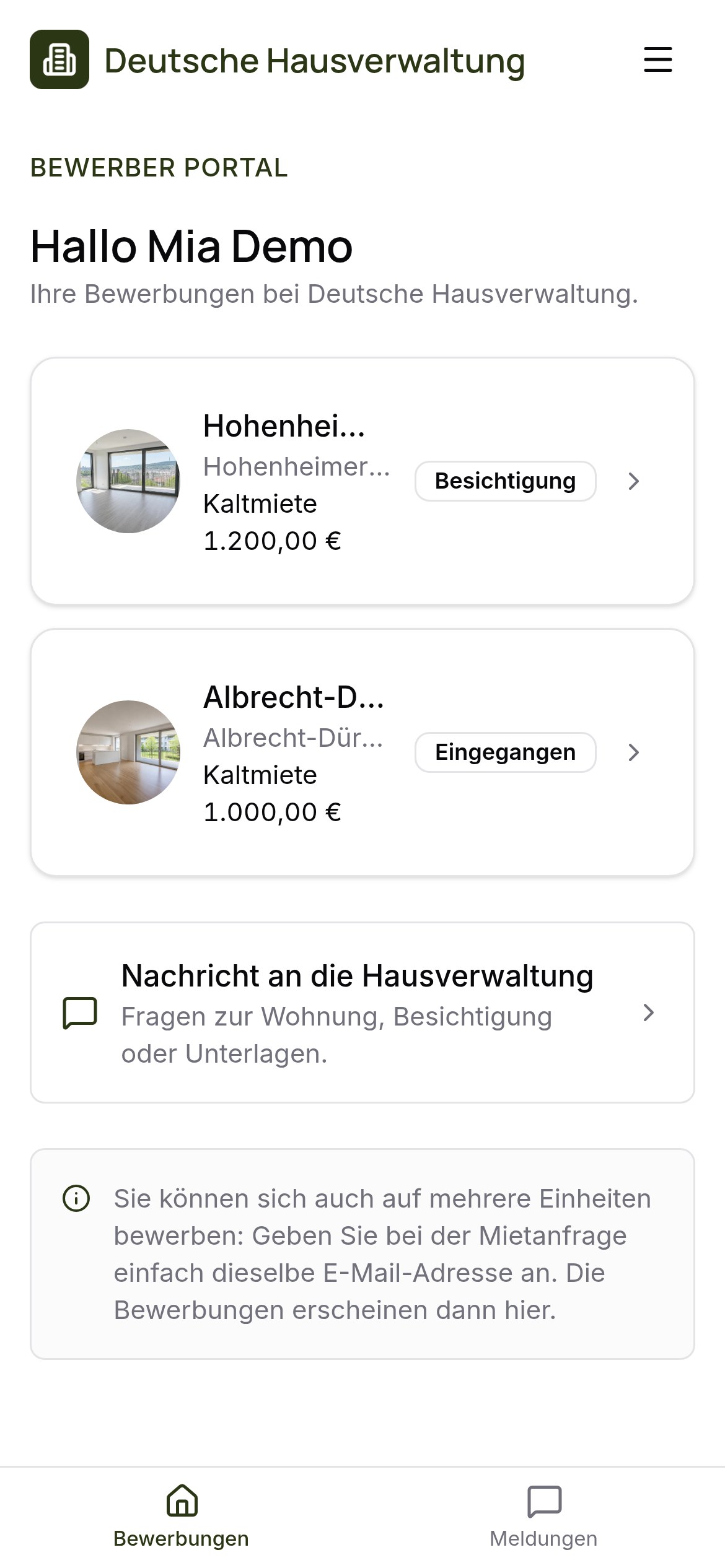
Apply in the applicant portal
Applicants complete their details, upload documents, book viewings and message the property manager.
- 09
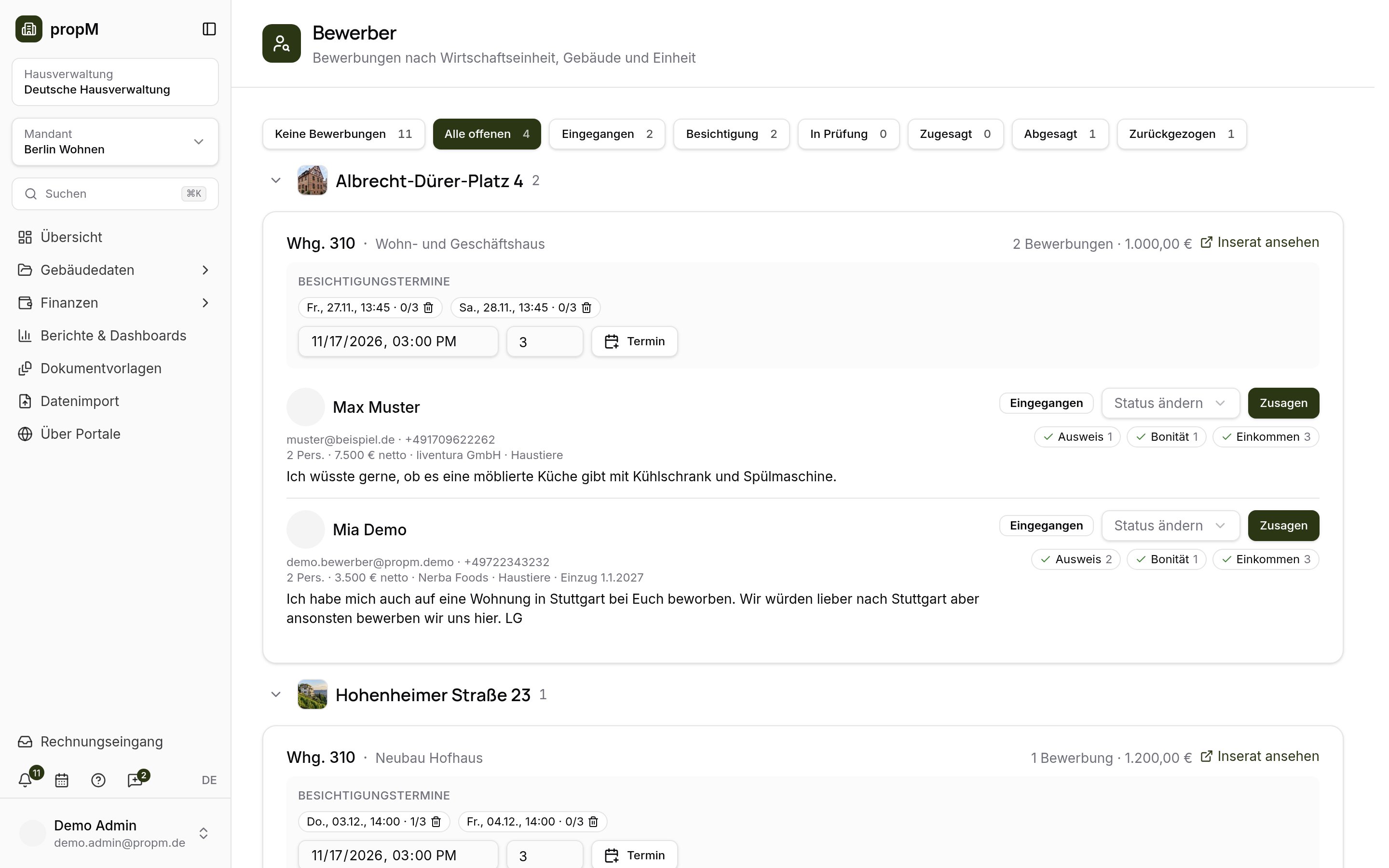
Viewing, acceptance, lease
The property manager reviews applications, accepts and releases the lease for signature – the applicant becomes a tenant.
- 10
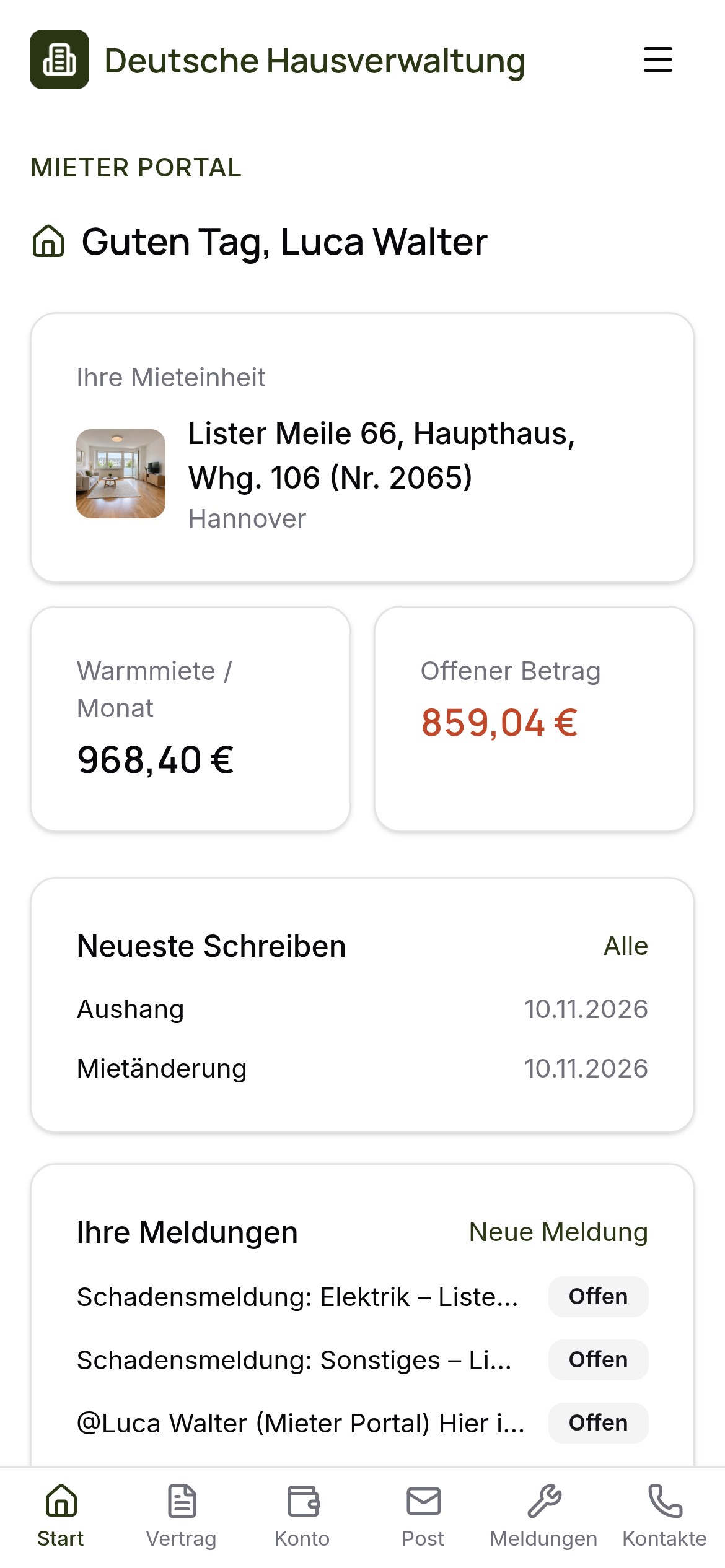
As a tenant in the tenant portal
Lease, account, letters and damage reports – all on the phone, no app store.
- 11
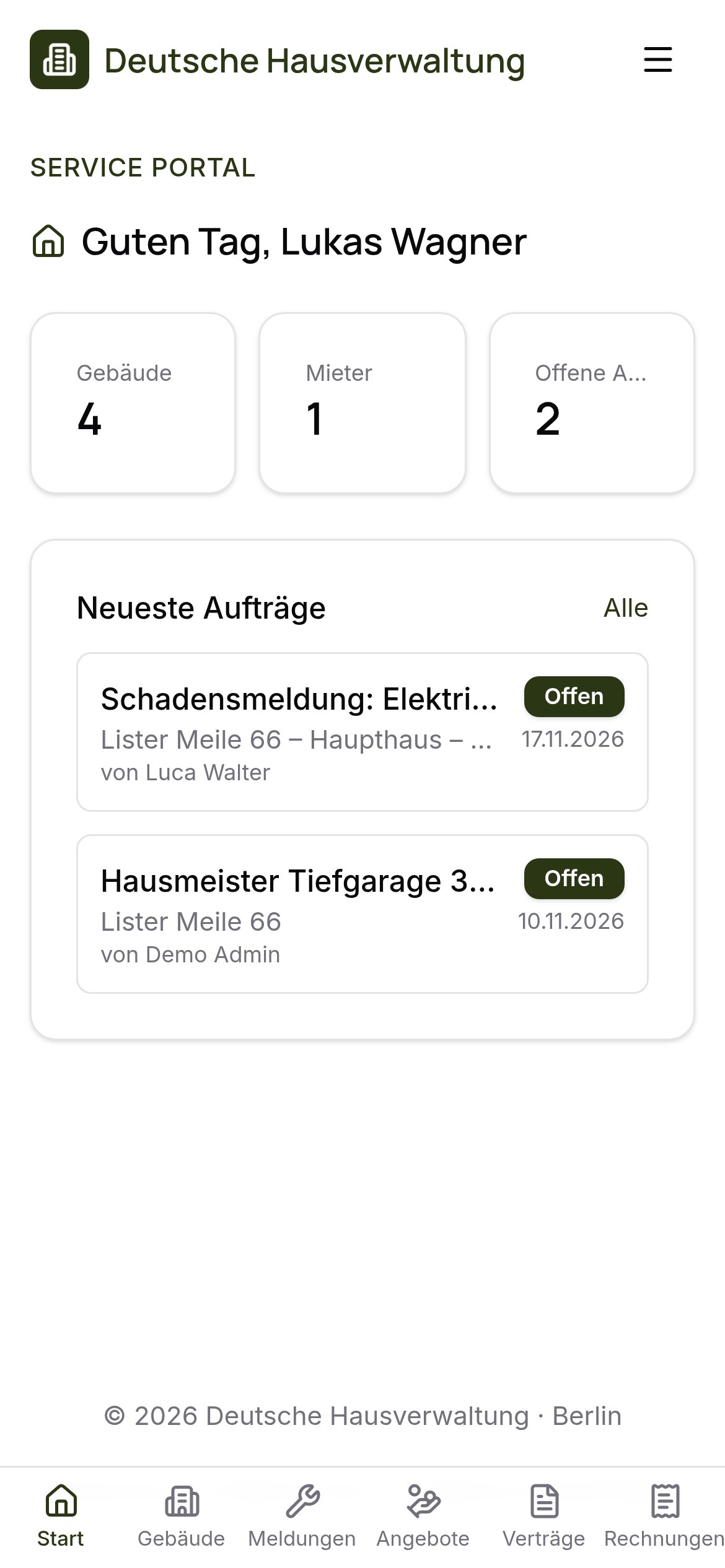
As a caretaker in the service portal
Caretakers and service providers see their properties, handle jobs and report them as done.